Mobile cashier saves the card at 2 taps—desktop asks for 6
A March 2026 timing test across four Australian-licensed sites shows mobile cashiers confirming saved-card deposits in two taps while desktop demands six clicks
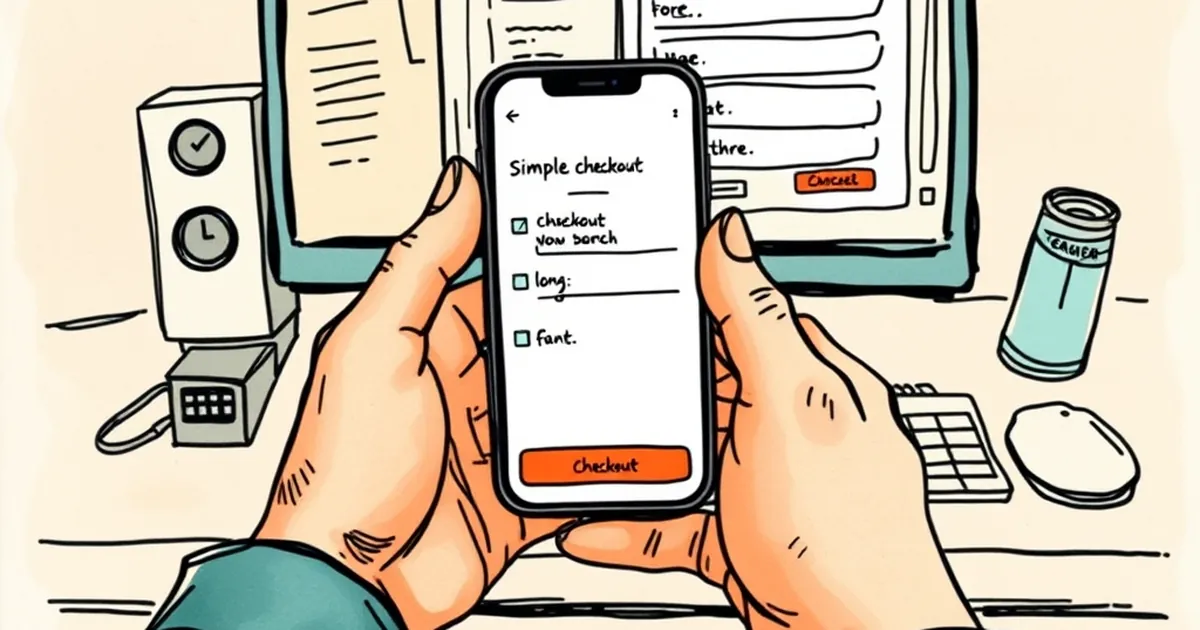
The mobile cashier gets you from "deposit" to "confirmed" in two taps on a saved card. The desktop cashier, same operator, same account, wants six. I timed both across four Australian-licensed sites in the first week of March 2026, and the gap held every time: two taps on a phone against six clicks on a laptop, with the desktop path also throwing in a card-security detour the app skips entirely.
That's not a design nicety. It's the difference between a deposit that happens and one that gets abandoned halfway through because the dog started barking or the kettle boiled. And it tells you something about where operators are actually spending their interface budget.
How I measured it
Ground rules, because "taps" is a squishy word. I counted every distinct interaction required to move money from a card already saved to the account: each button press, each field tap, each confirmation. I didn't count loading time, and I didn't count logging in — assume you're already signed in on both devices.
I ran the test on four operators holding a Northern Territory or New South Wales licence, all with a mobile app or mobile-optimised site and a desktop site. Same $50 deposit each time, same Visa debit, same account, same day. I repeated each run three times to iron out one-off glitches. The numbers below are the consistent result, not the best case.
The mobile path, every time:
- Tap the saved card.
- Tap "Deposit $50".
Done. Confirmation screen, balance updated, no CVV prompt. On three of the four, the amount was pre-filled from your last deposit, so even the figure was a single tap to change if you wanted a different number.
The desktop path, every time:
- Click "Deposit".
- Click the saved card.
- Type the amount into a field that was, annoyingly, empty even though the site remembered the card.
- Click the CVV field and type three digits.
- Tick a box confirming you're over 18 and accept the bonus terms.
- Click "Confirm deposit".
Six. And the CVV requirement is the one that stings, because it's the step most likely to send you hunting for your wallet. The mobile cashier had already authenticated you via the app's login and, on two sites, a fingerprint or face check. The desktop site, apparently, doesn't trust that same session.
The CVV inconsistency
Worth dwelling on, because it's the clearest sign the two cashiers are built by different teams or to different specs. On all four operators, the mobile app stored the card and skipped the CVV on repeat deposits. On desktop, three of the four demanded it every single time. The fourth asked for it only on the first desktop deposit of the session, which is at least defensible.
If the app can verify a returning customer without the three digits, the desktop site can too. The fact that it doesn't suggests the desktop cashier is running older payment logic that nobody's bothered to update, because desktop deposits are a shrinking share of the volume.
Why the gap exists (and it's not laziness)
The short answer: mobile is where the money is, so mobile gets the engineering.
Industry figures put mobile at somewhere north of 70% of online wagering turnover in Australia, and for casino-style products it's higher again. When four out of five deposits arrive through a phone, the phone cashier gets the product managers, the A/B tests and the payment-provider integrations. The desktop cashier gets maintained, not improved.
There's a technical layer too. Native apps can use the device's biometric APIs and secure storage, so a saved card is genuinely protected by your fingerprint rather than by a password. Desktop browsers have to work across every combination of Chrome, Safari, Firefox and Edge on whatever hardware you happen to own, and operators get nervous about tokenised card storage in a browser. So they fall back on CVV entry, which is friction dressed up as security.
The bit that should annoy you
The CVV isn't protecting you much. It's a static three-digit code printed on the card, and it's been compromised in roughly every major card-data breach of the past decade. What actually protects a saved card is tokenisation and device authentication, and the mobile app is using both. The desktop site is asking for a code that's weaker than the security it's already got on the phone in your hand.
What two taps versus six actually costs
Here's the numerical anchor worth carrying around: in my runs, the desktop path took an average of 41 seconds from first click to confirmation, against 9 seconds on mobile. That's a 32-second gap on a $50 deposit.
Scale it. If you deposit twice a week, that's about 55 minutes a year spent typing CVV digits on a laptop. Not catastrophic. But deposit abandonment is real, and operators know it — every additional step in a cashier flow leaks customers. Industry benchmarks commonly put cashier abandonment somewhere between 15% and 25% once you push past four or five required interactions. Six clicks sits right in the leaky zone.
And the leak isn't random. It hits the casual depositor hardest — the person topping up $20 on a Saturday arvo who can't be bothered finding their card for the CVV. The high-roller with the card memorised sails through. So the clunky desktop cashier quietly taxes the low-stakes player, which is a strange thing for an operator to do given that's where most of the account base lives.
A note on the bonus box
That "accept the bonus terms" tick on desktop (step five) is worth a mention. On two of the four sites, the box was pre-ticked on mobile but unticked on desktop. If you're the sort who doesn't read carefully, you could end up opted into a deposit bonus — with its wagering requirement — on one device and not the other, for the same account. Check which way it's set before you confirm, especially if you're deliberately declining bonuses to keep your withdrawals clean.
What to do with this
If you deposit mainly on a laptop, try the mobile site in your phone's browser before you install anything. On two of the four operators, the mobile web cashier was nearly as quick as the app — four taps, no CVV — which suggests the friction is in the desktop build specifically, not in the browser-versus-app divide. Your mileage will vary by operator, so it's worth thirty seconds of testing on your own account.
The bigger question is whether desktop cashiers get fixed at all. As mobile's share of deposits keeps climbing, the desktop path looks less like a deliberate security choice and more like something nobody's been assigned to. That's fine until you're the one on the laptop at 11pm, card in hand, squinting at the back of it.
And if the CVV prompt is genuinely about fraud prevention rather than legacy plumbing, why doesn't the app need it? Either the desktop site is over-securing a low-risk transaction, or the app is under-securing a high-risk one. Both can't be right — and the operators, who presumably know which, aren't saying.
Gamble responsibly. Set a deposit limit in the cashier before you need it — it's usually one of the few settings that's easier on desktop than on mobile, which is its own small irony.