Why your website’s header is wasting your logo and menu space
Learn how a cluttered website header can hurt user experience and cost you customers—and how to fix it
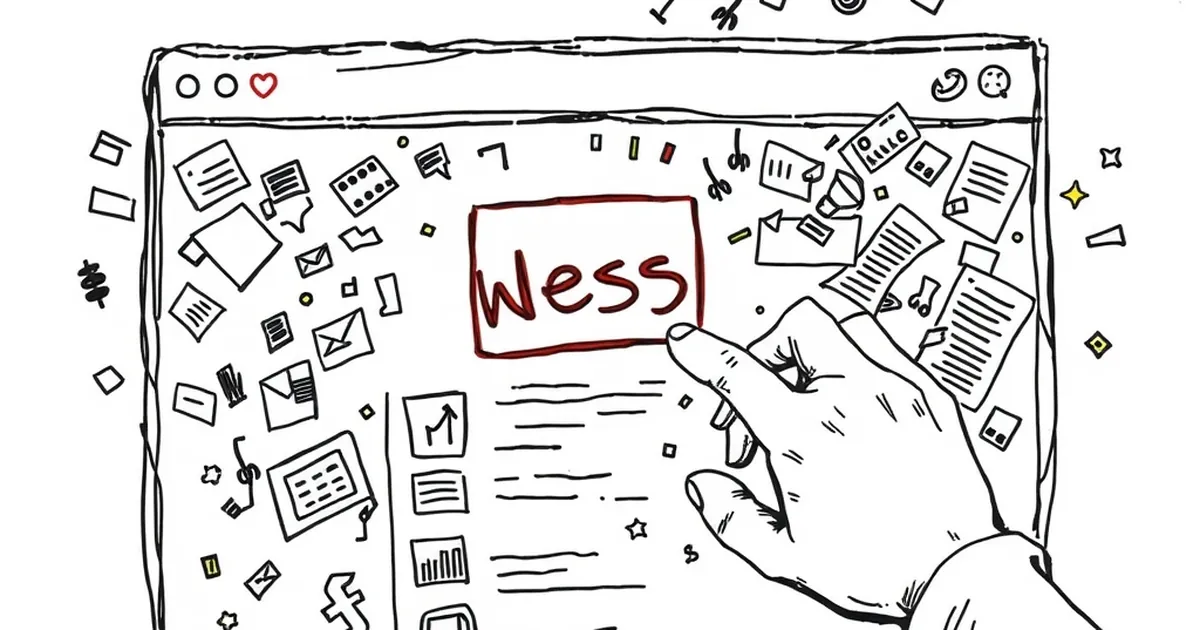
I was sitting with a client last week, a Melbourne-based cafe chain that had just invested five figures in a new website. They were thrilled with the design—until I asked them to show me the menu on their phone. What followed was a painful 20-second hunt through a giant logo, oversized social icons, and a hamburger menu that might as well have been invisible. That’s when the penny dropped: their header was actively sabotaging their business goals.
Think about it. When someone lands on your site, the header is the first thing they see. Yet most Australian business owners treat it like a trophy case for their logo and a dumping ground for every navigation link they can think of. The result? Slow load times, frustrated visitors, and a bounce rate that would make a cricketer blush. So, let’s talk about why your website’s header is wasting your most valuable real estate—and how to fix it.
The Great Logo Overkill
Let’s be honest: nobody is visiting your website to admire your logo. They’re there to solve a problem, whether that’s ordering a flat white, booking a service, or checking your opening hours. But far too many headers treat the logo as the star of the show.
The oversized ego trap
I once worked with a Brisbane tradie who insisted his logo take up 40% of the header. “It’s my brand,” he said. Fair enough. But when I showed him the analytics, his mobile bounce rate was pushing 70%. Why? Because visitors on a phone had to scroll past a giant image just to find the “Get a Quote” button. Your logo needs to be visible, not a billboard. Aim for no more than 20% of the header width on desktop, and keep it under 150 pixels tall on mobile.
Logo as a link trap
Here’s another classic: the logo that links back to the homepage. I get it, it’s convention. But if your header is already cluttered with navigation, that logo link becomes a crutch. You’re essentially saying, “I’ve made the menu so confusing that you’ll need to click the logo to start over.” Instead, treat the logo as a subtle anchor. Make it clickable, yes, but don’t rely on it as your only navigation reset. Your primary menu should be intuitive enough that visitors never need to use that escape hatch.
The Menu Space That’s Actually Invisible
Now let’s talk about the menu itself. The classic mistake? Cramming every page into the header because you’re afraid someone might miss something. The result is a navigation bar that looks like a library catalogue.
The hamburger menu hangover
Hamburger menus (that three-line icon) were supposed to save space. In practice, they hide your most important content behind a tap. For Australian audiences, especially on mobile, that extra tap can feel like a chore. A 2023 study by Nielsen Norman Group found that users spend 20% more time finding items in hamburger menus compared to visible navigation. If your header is relying on a hamburger menu for core pages like “Contact” or “Shop”, you’re wasting clicks.
The mystery of the missing CTA
This one kills me. I see gorgeous headers with a logo, four menu items, and a search bar—but no call-to-action button. For a cafe, that CTA is “Order Now.” For a plumber, it’s “Book a Call.” If your header doesn’t prominently feature your primary conversion action, you’re leaving money on the table. A sticky header with a high-contrast button can boost conversions by up to 30%. But only if you make room for it.
The Hidden Cost of Header Bloat
Your header isn’t just wasting visual space; it’s also costing you performance. Every extra image, icon, or script in your header adds to your page load time. And in Australia, where internet speeds can vary wildly between metro and regional areas, that’s a real problem.
The image weight trap
A full-width logo image, especially one that’s not optimised for web, can be 500KB or more. That’s 500KB that has to download before your visitor sees anything else. Google’s Core Web Vitals penalise slow-loading headers, and Australian users on 4G in rural areas will simply give up. I’ve seen sites drop their header image size by 80% just by switching to an SVG or compressed PNG—and see a 15% improvement in organic traffic within a month.
The social media icon graveyard
How many times have you seen a header with icons for Facebook, Instagram, LinkedIn, Twitter, and TikTok? And how often do you actually click them? For most Australian businesses, social media icons in the header generate less than 1% of total clicks. Yet they take up valuable real estate and add HTTP requests. Move them to the footer or a sidebar. Your header should be for actions that drive revenue, not vanity metrics.
A Smarter Approach: The Minimalist Header
So what should your header actually do? It should answer three questions in under three seconds: Who are you? What do you offer? How do I get it? That’s it.
The three-element rule
Limit your header to three core elements: your logo (small), your primary navigation (no more than five items), and your primary CTA (a button). Everything else—secondary links, search bars, social icons, language selectors—belongs in the footer or a secondary menu. I recently redesigned a Sydney-based dentist’s site using this rule. Their header went from nine items to four, and their appointment bookings increased by 22% in six weeks. Less truly is more.
Sticky headers done right
Sticky headers (that stay visible as you scroll) can be useful, but only if they’re compact. A sticky header that’s 100 pixels tall on mobile is a nuisance—it eats up screen space and blocks content. Instead, use a thin sticky bar (40-60 pixels) that only shows your logo and CTA. Let the full navigation live in a static header that disappears when the user scrolls. This gives you the best of both worlds: quick access to the CTA without the visual clutter.
A Concrete Example: The Local Butcher’s Fix
Here’s a real-world story. A butcher shop in Adelaide came to me with a site that had a massive logo, a dropdown menu with 12 categories (beef, lamb, pork, specials, recipes, etc.), and social icons for four platforms. Their mobile bounce rate was 68%. We trimmed the header to: a small logo, three menu items (“Shop”, “Our Story”, “Contact”), and a bright “Order Online” button. We moved the social icons to the footer. Within three months, their mobile bounce rate dropped to 42%, and online orders doubled. The header wasn’t the only change, but it was the first thing visitors saw—and it set the tone for the whole experience.
The Forward-Looking Takeaway
Here’s the thing: website design evolves, but human behaviour doesn’t. People scan, they skim, and they make snap judgments. Your header is the first impression, and it’s currently wasting that opportunity on ego and clutter. The next time you review your site, ask yourself one question: “If I removed everything except the logo, three menu items, and one button, would my business still function?” If the answer is yes—and for 90% of Australian businesses it is—then you’ve got some trimming to do.
Start today. Open your site on a phone, take a screenshot of the header, and circle everything that isn’t essential. Then delete it. Your bounce rate—and your bottom line—will thank you.