Why your website’s loading spinner is losing customers before the page loads
Slow load times cost you customers—discover why your loading spinner is driving them away and how to fix it
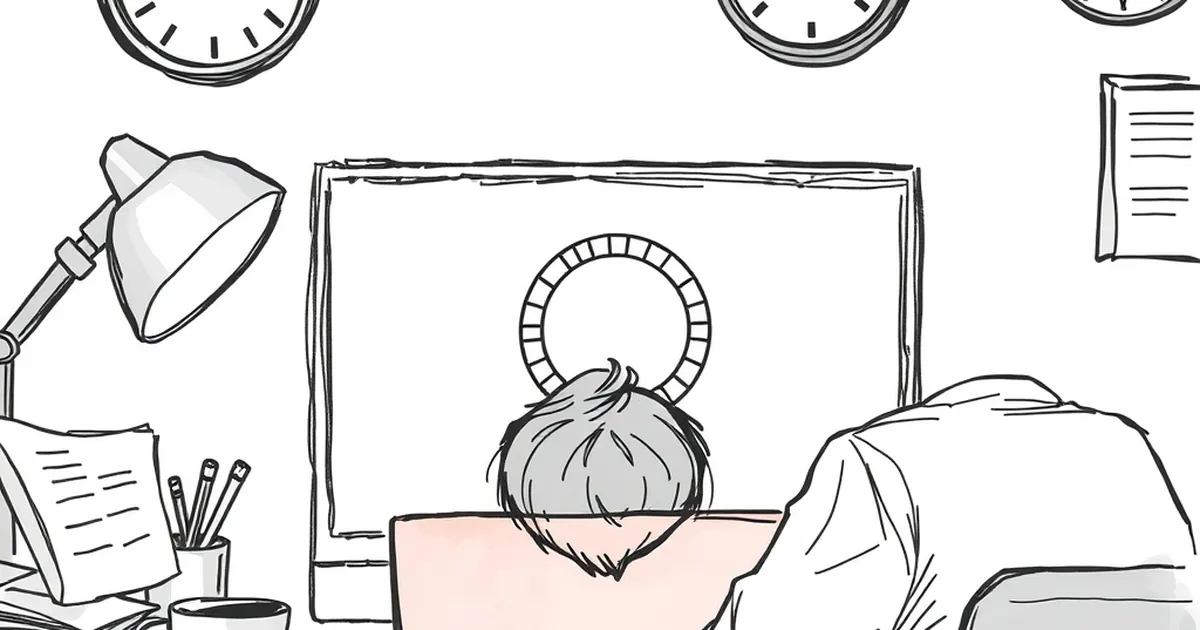
You’ve poured time, money, and effort into your website. You’ve got a great product, a clean design, and a clear message. But when a potential customer clicks through from Google or an ad, they’re met with a spinning circle—and they’re gone in three seconds.
That spinner isn’t neutral. It’s a silent sales killer. In Australia, where patience for slow internet is wearing thin and competition is just a click away, every second your page spends loading is a customer you’re handing to a competitor.
The three-second rule is real (especially in Australia)
We’ve all heard the stats: 53% of mobile users abandon a site that takes longer than three seconds to load. That number isn’t a US-only problem. In Australia, with our vast geography and sometimes patchy NBN connections, the stakes are even higher.
A loading spinner doesn’t buy you time. It buys you distrust. Every spin is a small reminder to the user that your site is slow, unreliable, or broken. Even if your server is just fine, the perception of slowness is enough to hurt your brand.
Think about the last time you saw a spinner on a business site. Did you wait patiently? Or did you hit the back button and try the next result? Most Australians will do the latter.
Why spinners feel like a broken promise
A loading spinner is a visual apology. It’s the web equivalent of a shopkeeper saying, “Hang on, I’ll be with you in a minute,” and then disappearing for ten minutes. It doesn’t inspire confidence—it frustrates.
Here’s the problem: users come to your site with a goal. They want to book a service, read a blog, or buy a product. A spinner tells them that their goal is out of reach, at least for now. That interruption breaks their flow.
Even worse, a spinner that takes more than a couple of seconds can make users question your professionalism. If your site can’t load quickly, what does that say about your ability to deliver your product or service?
The psychological cost of uncertainty
Research in user experience shows that people hate uncertainty more than they hate waiting. A progress bar, even a fake one, is better than a spinner because it gives the brain a timeframe.
A spinner offers zero information. Is the page almost ready? Is it stuck? Did it break? The user has no way of knowing, so their brain defaults to the worst-case scenario: this site doesn’t work.
For Australian small businesses, that uncertainty is lethal. If you run a tradie service, a local café, or a boutique online store, customers have plenty of alternatives. They won’t risk their time on a site that feels broken.
A real-world example that stings
I worked with a client in Melbourne who ran a popular home cleaning service. They had a beautiful website—great photos, clear pricing, and strong testimonials. But their booking form took about five seconds to load, and during that time, a spinning wheel dominated the screen.
They were losing leads. People would click “Book Now,” see the spinner, and leave. The client couldn’t understand why their conversion rate was so low. They had great reviews and competitive prices.
We ran a simple test: we replaced the spinner with a skeleton screen (a grey placeholder that mimics the page layout) and optimised the backend queries. The page still took the same amount of time to load—about five seconds—but the bounce rate on that page dropped by 30%.
Why? Because the skeleton screen gave users a sense of progress. They could see that something was happening. The spinner had been a dead end. The skeleton screen was a promise that the page was coming.
How to fix the spinner problem (without rebuilding your whole site)
You don’t need a total website rebuild to kill the spinner. You just need to change how you handle loading times. Here are three practical steps.
Use skeleton screens or placeholders
Instead of a spinner, show a low-fidelity version of your page. Grey boxes where images will go, faint lines where text will appear. This tells the user that the page is loading and gives them a visual anchor.
Skeleton screens are easy to implement with CSS and a little JavaScript. Most modern frameworks—React, Vue, even plain WordPress—have libraries for this. It’s a small change with a big impact on user perception.
Prioritise above-the-fold content
Don’t wait for your entire page to load before showing anything. Load the hero section first—the headline, the main image, the call-to-action button. Let the user see and interact with the most important part while the rest of the page loads in the background.
This is called “progressive loading.” It’s how sites like Facebook and Airbnb work. They show you something useful immediately, even if the full page isn’t ready. Your users will appreciate the speed, even if the page isn’t 100% finished.
Optimise your actual load time
No amount of design tricks will save you if your server takes ten seconds to respond. You need to address the root cause. Compress images, enable caching, use a content delivery network (CDN), and minimise JavaScript.
In Australia, a CDN is especially important. If your server is in Sydney, a user in Perth will experience noticeable lag. A CDN like Cloudflare or Fastly can serve your content from a node closer to the user, cutting load times in half.
The forward-looking note: speed is a competitive advantage
The web is getting faster. Users expect it. Google’s Core Web Vitals now directly impact your search rankings. If your site is slow, you’re not just losing customers—you’re losing visibility.
But here’s the good news: fixing your loading experience is one of the highest-ROI changes you can make. It doesn’t require a complete redesign or a massive budget. It just requires a shift in mindset.
Stop thinking of the spinner as a necessary evil. Start thinking of it as a design failure. Every millisecond your page takes to load is a chance to prove to your customer that you value their time.
The next time you see a spinner on your own site, don’t shrug it off. Ask yourself: Is this costing me customers? The answer is almost always yes.
And then fix it. Your bottom line will thank you.