Why your website’s password rules are locking out paying customers
Strict password rules just cost a client $12,000—find out how your site might be driving paying customers away
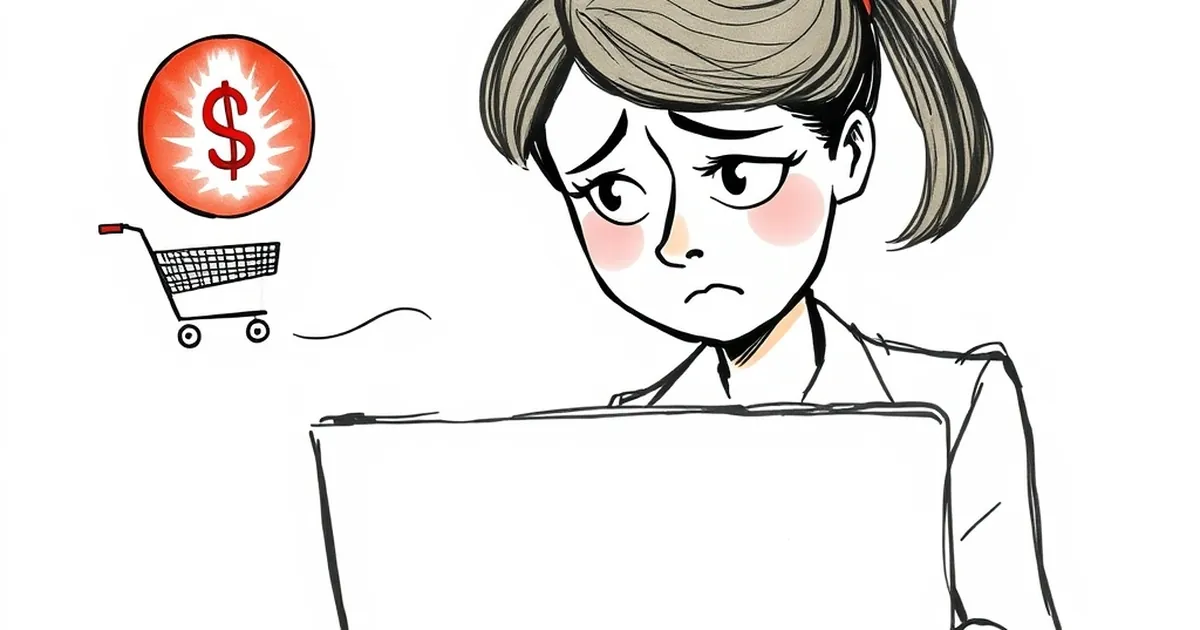
I recently watched a client lose a $12,000 quote because their password system wouldn't accept "Summer2024!". The customer, a busy GP in regional Queensland, typed it three times before giving up and emailing a competitor instead. It got me thinking: how many of your paying customers are hitting the same wall right now?
The real cost of "strong password" policies
Let's be honest. Password rules feel like a security win for your business, but for your customers, they're often just another hurdle between them and giving you money. The Australian Cyber Security Centre recommends passphrases over complex passwords, yet most Australian business websites still enforce the old-school nightmare: one uppercase, one number, one special character, and a minimum of twelve characters.
The problem is that your security team (or your developer) isn't thinking about the 55-year-old tradie trying to reorder supplies on his phone between jobs. They're thinking about compliance checklists. Meanwhile, that tradie has a password manager, but he's also got three different "Summer2024!" variations across different accounts because your system rejected his actual password.
The psychology of friction
Every password rejection is a tiny betrayal of trust. When a customer types their password incorrectly, they don't blame themselves—they blame your website. And they're not wrong. You built the rules. You created the friction.
Research from the Baymard Institute shows that password-related issues cause around 20% of checkout abandonment rates globally. In Australia, where e-commerce conversion rates already hover around 2-3%, that's a massive bleed. For a local business doing $500,000 annually, that's potentially $100,000 in lost revenue from password friction alone.
Why your current rules are hurting Australian businesses
Australia has unique challenges here. Our population is older than many comparable markets, with nearly 17% of Australians over 65. Many of these customers aren't digital natives. They're loyal, they have disposable income, but they'll walk away the second your website makes them feel stupid.
I worked with a regional accounting firm in Newcastle last year. Their client portal required passwords with exactly one special character, no repeats, and a change every 90 days. Their oldest clients—the ones paying the highest fees—were calling the office to reset passwords twice a week. The partners were furious because their admin staff spent three hours daily on password resets.
The mobile problem
Over 60% of Australian web traffic now comes from mobile devices. Try typing "P@ssw0rd!2024" on a tiny iPhone keyboard with autocorrect fighting you. It's infuriating. Your customers are doing this in the checkout line at Woolworths, or while waiting for their coffee. They're not in a quiet office with a full keyboard.
Mobile users have even less patience for complex passwords. If your site requires a password reset on mobile, you've already lost about 30% of those users permanently. They'll just go to a competitor whose site remembers their details.
What actually works for both security and usability
The good news is that you don't have to choose between security and customer experience. The industry has moved past that false dichotomy. Here's what modern, security-conscious websites are doing instead:
Passkeys and biometric authentication
Apple, Google, and Microsoft have all adopted passkeys—FIDO2-based authentication that uses your device's biometrics (fingerprint or face scan) instead of passwords. If your website supports passkeys, your customers log in with their phone's face ID or fingerprint scanner. No typing required.
This isn't future tech. It's available now on every modern smartphone. Shopify, PayPal, and eBay already support it. Australian businesses that have implemented passkeys report up to 40% reduction in login-related support tickets.
The passphrase approach
If you must keep passwords, switch to passphrases. Instead of "P@ssw0rd!2024", let people use "correct horse battery staple" or "my dog ate my homework again". These are actually more secure because they're longer and harder to crack, but they're infinitely easier for humans to remember and type.
The Australian Cyber Security Centre explicitly endorses passphrases over complex passwords. They're harder for computers to guess but easier for humans to recall. Stop fighting human nature and work with it.
Social login done properly
Let customers log in with Google, Apple, or Facebook. I know some business owners worry about data privacy, but the reality is that these providers don't share your customer's password with you—they just confirm the customer is who they say they are. Your customers already trust these platforms. Give them the option.
One caveat: offer multiple social login options. Not everyone wants to use Facebook, and Apple users often prefer Sign in with Apple. Give your Australian customers choice.
A concrete example: The hardware store that fixed its login
Let me tell you about a client in Toowoomba. They run a hardware supply business with a B2B portal. Their old system required passwords with at least two numbers, one uppercase, one lowercase, and exactly one special character. No consecutive characters allowed. Password changes every 60 days.
Their customers were builders and electricians. These guys order supplies at 5 AM from their utes. They're not memorising complex passwords. The portal had a 45% login failure rate on first attempt.
We switched them to a passphrase system with biometric options. No character complexity rules. Minimum 12 characters, but no other restrictions. Customers could use their fingerprint on mobile. Six months later, login failure dropped to 8%. Support calls about passwords went from 15 per day to two per week. Revenue through the portal increased 22% because customers weren't abandoning orders at the login screen.
The forward-looking note your business needs
Here's the practical takeaway: stop treating passwords as a security problem and start treating them as a conversion problem. Every password rule you enforce is a filter. It filters out hackers, sure, but it also filters out your best customers—the ones with money, loyalty, and zero patience for bad UX.
In the next two years, passkeys will become the default authentication method on all major platforms. Apple is already pushing this hard. If your website isn't ready for that shift, you'll be locking out customers who've already moved on from passwords entirely.
Start small. Audit your current password rules. Remove any unnecessary complexity. Add social login. If you're using a platform like Shopify, WordPress, or Squarespace, check if they support passkeys—most already do, but you need to enable it.
Your customers are already spending money online. Make sure they can spend it with you without fighting your password system. The $12,000 quote I mentioned at the start? That GP found another provider. Don't let your next big sale walk away because of a rule that doesn't actually make anyone safer.