Why your website's search bar is hiding what customers actually want
Your website’s search bar reveals exactly what customers want—if you stop ignoring the data
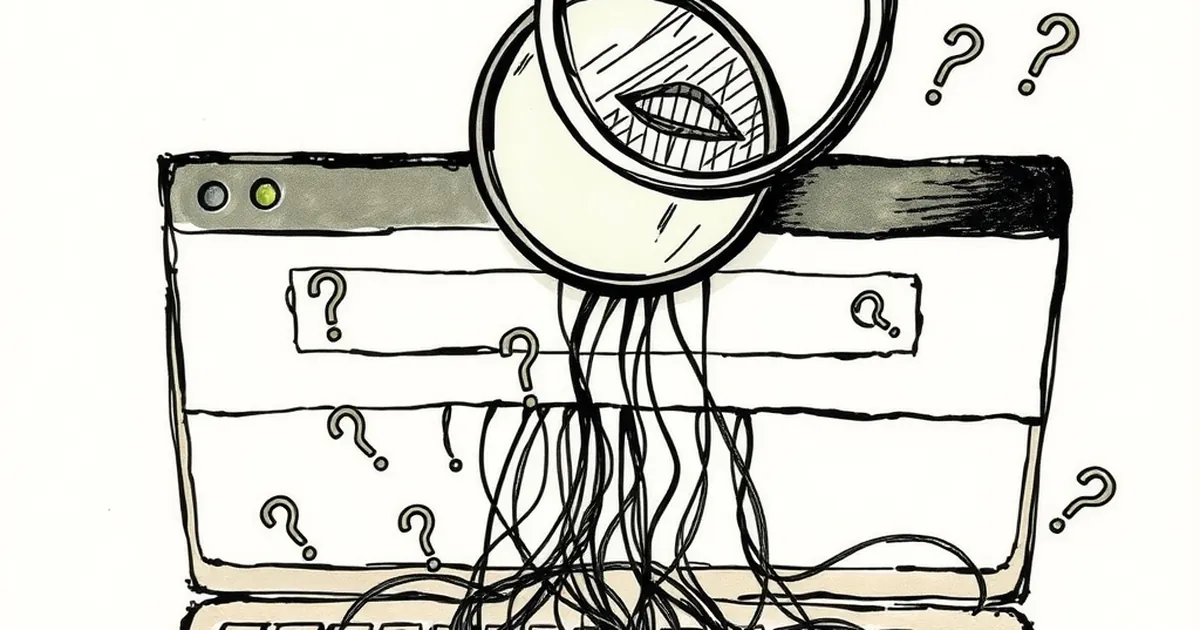
You’ve spent thousands on your website. It looks clean, it loads fast, and that little magnifying glass icon sits proudly in the top right corner. But here’s the uncomfortable question: is your search bar actually helping your customers, or is it just a polite way of telling them you don’t know what they really want?
Most business owners treat site search as an afterthought — a default feature you install and forget. Yet every time a visitor types into that box, they’re handing you a map to their deepest needs. Ignoring that data is like owning a shop where customers whisper their requests, and you choose to leave the microphone off.
The silent confession of the search bar
Think about how people behave when they land on your site. They browse your navigation menu, click a few links, maybe scroll down a hero image. But when someone reaches for the search bar, they’ve already decided that your homepage didn’t cut it.
They’re not just looking for a product. They’re looking for an answer your site hasn’t given them yet.
Here’s the reality: your navigation menu is designed by you — your categories, your terminology, your idea of what fits where. But your customers speak a different language. They don’t know that you’ve filed “industrial grade hose fittings” under “accessories” because it made sense to your inventory team.
The search bar is the one place where visitors drop their guard and say exactly what they mean. And if you’re not listening, you’re missing the clearest signal your audience will ever send.
What a single search query reveals
Let’s say you run a small organic skincare brand based in Byron Bay. Your navigation menu has “Face”, “Body”, and “Gifts”. A customer types “eczema” into your search bar.
Now, you don’t sell “eczema” as a category. But that query tells you something powerful: people with sensitive skin are landing on your site and hoping you can help. If your search returns zero results, you’ve just bounced a buyer who was ready to spend.
That one word — “eczema” — is market research you didn’t have to pay for. It’s a product gap, a content opportunity, and a customer pain point all rolled into one.
Why most Australian businesses fail here
I see this pattern constantly with small to medium businesses in Australia. They invest heavily in Google Ads, social media, and maybe a shiny new website builder. But the search function is usually the default plugin from whatever theme they bought in 2021.
Here’s the problem: default search is dumb. It matches keywords literally. If someone types “sustainable packaging” and your product is called “eco wrap”, a basic search engine won’t connect the dots. The customer walks away thinking you don’t stock what they need — even though you do.
The “zero results” disaster
A client of mine in Melbourne ran a boutique hardware store. They sold high-end tools for tradies and DIY enthusiasts. Their site search kept returning zero results for “drill bits for masonry”. But they stocked them. The problem? Their product titles said “masonry drill bits” and the search engine was too rigid to handle the reverse word order.
We fixed the search logic. Within a month, their on-site conversion rate went up by 18%. Not because they added new products, but because customers could actually find what was already there.
If your search bar is returning “no results found” for common queries, you’re not just frustrating visitors — you’re actively training them to leave.
Three things your search bar is hiding (and how to fix them)
1. Confusing product names and categories
Your team might call something a “multi-purpose cleaning concentrate”. Your customer calls it “floor cleaner”. If your search only matches exact phrases, you’re invisible.
What to do: Implement synonym matching. If someone types “sofa”, your search should also return results for “couch” and “lounge”. Most modern site search tools (like Algolia, Searchspring, or even a well-configured WordPress plugin) let you build a synonym dictionary. It takes an afternoon to set up and pays for itself in a week.
2. Missing content opportunities
Your search bar doesn’t just reveal product gaps — it shows you what content your audience craves.
If you’re an Adelaide-based financial planning firm and people keep searching “first home buyer checklist” on your site, that’s a blog post waiting to be written. You can turn that search query into a downloadable guide, a landing page, or even a new service offering.
Stop guessing what your audience wants to read. Let their search history write your content calendar.
3. Broken user experience on mobile
More than half of Australian web traffic now comes from mobile devices. Yet most site search bars are tiny, hard to tap, and slow to load on phones.
I visited a Perth-based furniture store’s site recently. On desktop, the search worked fine. On my phone, the keyboard popped up, the search results loaded behind a modal, and I had to close it three times before I could see anything. I gave up and went to IKEA.
What to do: Test your search bar on an actual phone. Not a browser’s mobile simulator — a real device. Check that results appear instantly, that the keyboard doesn’t break your layout, and that the search box is at least 48 pixels tall so thumbs can hit it comfortably.
How to start listening today
You don’t need a full website rebuild to fix this. Most platforms — Shopify, WordPress, Squarespace — have analytics for internal search. Go find it.
Look at the last 30 days of search queries. Sort them by frequency. Look for the ones that returned zero results or led to quick exits. That list is pure gold.
Take the top five queries that failed. Ask yourself:
- Do we actually stock this, but it’s hidden under a bad label?
- Should we create a new category or product to meet this demand?
- Could we write a helpful article or FAQ that answers the question?
Then fix the search logic so those queries work tomorrow.
A forward-looking note
Here’s where things get interesting. The next wave of site search isn’t just about fixing broken queries — it’s about predicting intent before the customer finishes typing. Tools like AI-powered search and natural language processing are becoming affordable for small businesses. Imagine a search bar that understands “cheap weekend getaway near Sydney” and suggests your boutique hotel in the Blue Mountains, even though the user never typed “hotel” or “Blue Mountains”.
That future is already here. But it starts with the basics: admitting that your current search bar is hiding more than it reveals. Start treating it like a conversation, not a feature. Your customers are already telling you exactly what they want. You just need to start reading the room.